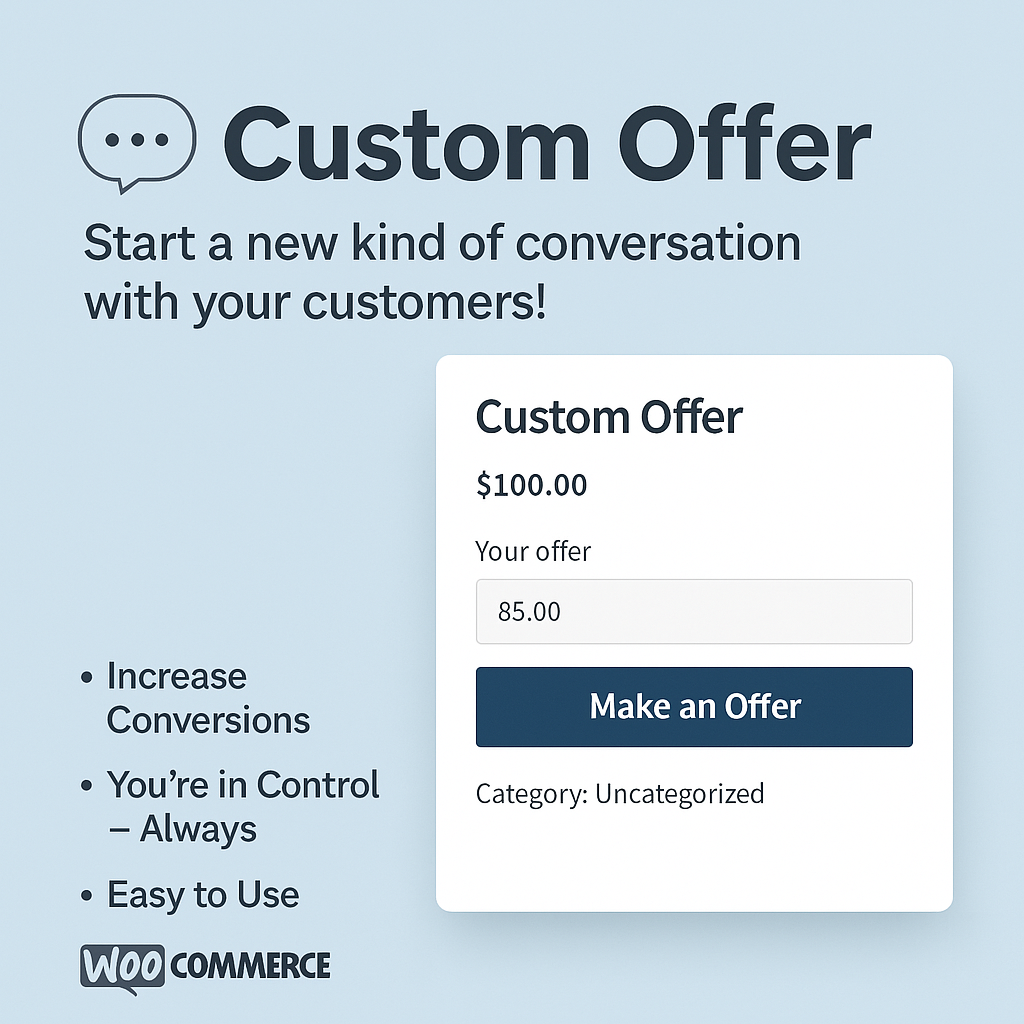
💬 Custom Offer – Start a New Kind of Conversation with Your Customers!
Sell smarter – negotiate with confidence.
The Custom Offer plugin is a revolutionary WooCommerce extension that lets your customers make a one-time offer for any product – right on the product page.
🔥 Why Every Store Owner Needs This Plugin
🎯 Increase Conversions
Not every visitor buys on their first visit. But if you let them make their own offer, you turn hesitation into opportunity. Many users just want a slight discount to feel satisfied — Custom Offer gives them that chance.
💡 You’re in Control – Always
No automatic discounts or rules. Every offer is manually reviewed and approved by you. If you’re happy with the price, you can accept it with a single click and let the customer complete the purchase.
🛠️ Easy to Use – No Coding Required
Fully integrated with WooCommerce. Activate the plugin, configure your preferences, and the “Make an Offer” box will appear on product pages – limited to one offer per user.
🔒 One-Shot Offer – No Games
Each customer can submit only one offer per product. This keeps things serious and prevents endless haggling – they’ll think twice before submitting their price.
⚙️ Key Features:
-
🛍️ Custom “Make an Offer” box on product pages
-
🔐 One-time offer per user
-
📬 Admin notification for every new offer
-
✅ Accept or decline with one click
-
💼 Fully customizable messages, buttons, and styles
-
💻 Mobile-friendly and modern UI
🎁 Bonus: Works as a Discount Coupon
Approved offers can be automatically turned into exclusive, one-time-use coupon codes – fully personalized for the buyer.
🧠 Perfect For:
-
High-value products – where negotiation is natural (e.g. furniture, electronics)
-
End-of-season sales – when you don’t want to discount publicly
-
Market testing – to feel out price sensitivity in new regions
🚀 Make Your Store Human Again – and Sell More
Custom Offer isn’t just a pricing tool. It’s a powerful way to connect with your customers, boost engagement, and close more deals.
👉 Let the buyer speak.
And you decide if the offer is worth it.
WooCommerce Custom Offer Plugin – User Guide
===========================================
Thank you for installing the WooCommerce Custom Offer plugin!
This plugin allows customers to submit a one-time custom price offer on any product. Store admins can then accept or reject the offer.
Installation:
————-
1. Upload the plugin folder to your `/wp-content/plugins/` directory.
2. Activate the plugin via the WordPress admin dashboard under “Plugins”.
3. Go to WooCommerce → Settings → Custom Offer (if available) to configure basic preferences.
Usage:
——
1. On each product page, a “Make an Offer” field will appear.
2. Customers can submit a price offer only once.
3. Store admin will receive a notification and can:
– Accept the offer → Customer receives a special link or coupon.
– Reject the offer → The customer cannot submit again.
4. All offers are visible in the backend under WooCommerce → Custom Offers (or similar admin menu).
Features:
———
✔ One-time offer submission per customer
✔ Manual review of every offer
✔ Easy accept/reject interface
✔ Fully integrated with WooCommerce
✔ Customizable frontend labels (via code or translation)
Support:
——–
If you experience issues or want to suggest features, contact the developer.
Enjoy boosting your conversions!
Leave a Reply
You must be logged in to post a comment.